
About PageMural
PageMural turns one picture into a poster you can print a sheet at a time. All you need to put it on the wall is an ordinary printer, a pair of scissors and some tape.
- Your home printer
- Use the A4, US Letter or A3 paper your printer takes.
- Your own picture
- Start with a photo, a map or a drawing saved as JPG, PNG or WebP.
- One printable PDF
- Print the whole poster or replace a single sheet if a corner tears.
Why we built PageMural
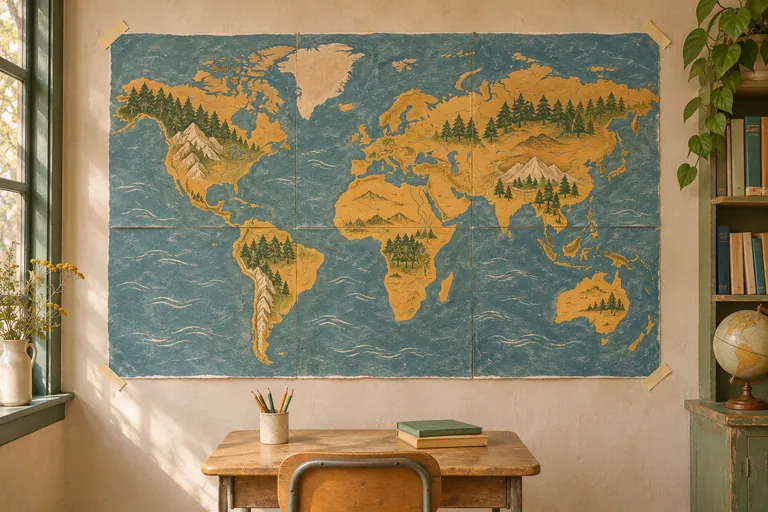
A classroom map needs to be legible from the back row. A welcome sign needs to catch someone’s eye from the doorway. We built PageMural for the space between the paper in your printer and the picture you want on your wall.
That’s where the name comes from. Pick up one page and you might see a stretch of coastline or half a letter. Tape the pages together, step back, and the whole mural comes into view.
Where two sheets meet
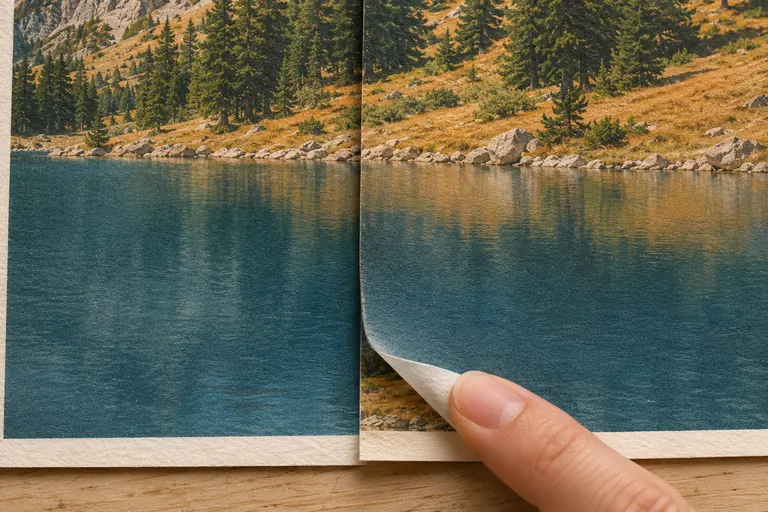
On a screen, a lake has one unbroken shoreline. On paper, the line can jump at a join if the printer shrinks one tile or you trim away too much. It’s an easy detail to miss until several sheets are already on the table.
We suggest printing two neighbors first. Leave the repeated strip of image on one sheet, trim the white margin on the other, then slide them together. A shoreline or a road is a good place to check the alignment.
A preview worth checking before you print
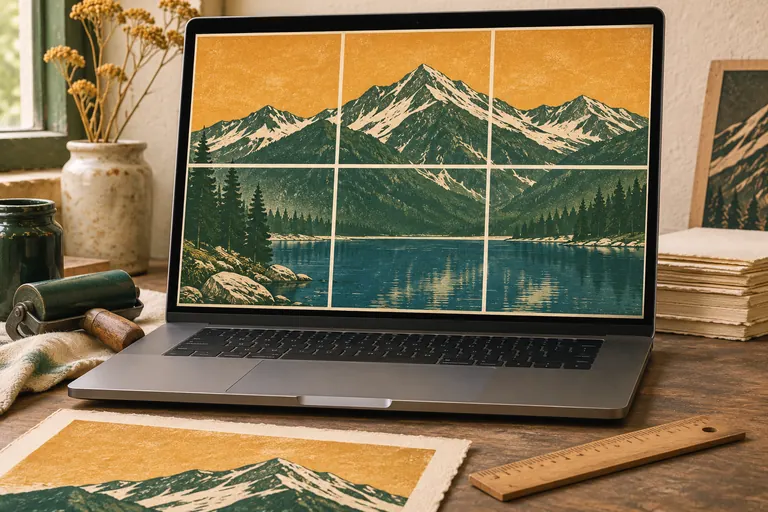
In the workbench you can see exactly where the page edges fall. Move a seam away from a face, try a different crop, or measure the space on your wall against the finished width and height.
Once the layout looks right, save the PDF and print at Actual size (100%). An optional assembly guide gives you a map of the sheets so you can lay them out in order.
What matters to us
Keep the photo private
Your browser crops the image and builds the PDF on your device. Our privacy policy explains how site analytics work.
Let the artwork stand alone
Making a poster is free and takes no account. Your finished print carries no PageMural watermark.
Learn from the print
If a join looks different on paper, tell us what you saw. The paper size, scale and sheet labels help us understand the result.
Try the mountain lake on your wall
Choose Mountain Lake in the workbench and follow the shoreline across the preview. You can see how the pieces fit before you use a sheet of paper.
Open the workbench